Businesses grow, operations expand, and accounting requirements naturally become more complex over time. Many organisations that initially relied on FreeAgent eventually find its limits when they need advanced reporting, deeper integrations, or proper multi-company support.
That’s when most of them start looking at Odoo. It’s a comprehensive accounting and ERP solution designed to support evolving business needs within one unified platform. But here’s the thing about accounting migration: it’s not just a technical switch. It’s a critical financial transition. Accurate migration protects historical data, ensures compliance, and prevents the kind of operational disruption that costs weeks of reconciliation work after go-live.
With MMC Convert, businesses get a trusted Odoo migration partner that handles the transition from FreeAgent to Odoo accurately and completely, preserving full financial integrity throughout.
To migrate from FreeAgent to Odoo, businesses typically work with a specialist conversion partner like MMC Convert. The process involves extracting your complete FreeAgent data, mapping it to Odoo's structure, validating it for accuracy, and delivering a fully functional Odoo system ready for immediate use. Most standard conversions are completed within a few business days after data review and approval.
Why businesses decide to migrate from FreeAgent to Odoo
Businesses migrate from FreeAgent to Odoo primarily to gain advanced automation, customisable workflows, and seamless integration across business departments. FreeAgent works well for freelancers and small businesses, but as organisations scale, they need deeper functionality, consolidated financial data, and better visibility into performance. Odoo provides all of this within a single platform.
FreeAgent is a capable accounting tool. For a freelancer or a small team, it does the job cleanly and without much fuss. But as an organisation grows, the gaps start to show.
The reporting gets thin. Integrating with inventory, CRM, or payroll requires external tools that don’t always talk to each other well. And once you’re running multiple cost centres or need intercompany transactions, FreeAgent simply wasn’t built for that.
Odoo was. Its modular architecture lets businesses add features as they grow, and the accounting module sits at the centre of a much broader ERP system. When migration is handled professionally, it supports growth rather than creating a data mess that takes months to untangle.
Key features of Odoo accounting software
Odoo accounting offers a comprehensive general ledger, automated bank reconciliation, advanced accounts payable and receivable management, multi-currency support, and customisable financial reporting. Its tightest advantage over smaller platforms is the native integration with sales, inventory, CRM, payroll, and purchasing modules within a single database.
Comprehensive general ledger management
Odoo centralises financial transactions, supports automated postings, and delivers consistent financial records across multiple entities and accounting periods in real time.
Advanced accounts payable and receivable
The platform automates due dates, reminders, reconciliations, and payment tracking across vendor bills and customer invoices, reducing manual effort and cutting errors in daily operations.
Automated bank reconciliation
Odoo enables automated bank synchronisation and reconciliation, matching transactions quickly and keeping cash flow visibility accurate for timely financial decisions.
Multi-currency support
Businesses operating globally get built-in multi-currency handling with automatic rate updates, allowing transactions in foreign currencies and accurate reporting across international operations.
Multi-company accounting
Odoo supports multiple companies within one database, enabling consolidated reporting, intercompany transactions, and simplified financial management for groups, franchises, or expanding enterprises.
Customisable financial reports
Real-time, customisable reports including balance sheets and profit statements let businesses analyse performance and meet regulatory requirements without relying on spreadsheet exports.
Tax management and compliance
Odoo handles complex tax structures, supports multiple tax rules, automates calculations, and ensures compliance with regional accounting and statutory requirements.
Integration with business modules
Odoo integrates accounting with sales, inventory, CRM, payroll, and purchasing, ensuring consistent data flow and removing duplication across departments.
FreeAgent vs Odoo: key differences to understand before migrating
FreeAgent is a cloud-based accounting tool designed primarily for freelancers and small businesses. Odoo is a full ERP platform with a native accounting module that integrates across sales, inventory, payroll, and CRM. The main differences are in scalability, multi-company support, integration depth, and total reporting capability.
Understanding the differences between the two systems helps you set the right expectations before go-live. It also helps identify whether any specific configuration is needed as part of the conversion.
| Feature Area | FreeAgent | Odoo |
|---|---|---|
| Target User | Freelancers and small businesses | SMEs, mid-market, and enterprise businesses |
| Deployment | Cloud-based SaaS | Cloud or on-premise, modular ERP |
| Multi-Company | Not supported natively | Supported natively within one database |
| Inventory Management | Not available natively | Full native inventory module available |
| CRM Integration | Limited; requires third-party tools | Native CRM module fully integrated |
| Payroll | Basic payroll available (UK focus) | Full payroll module with multi-country support |
| Reporting | Standard reports; limited customisation | Fully customisable financial and operational reports |
| Scalability | Suited to small operations | Modular; scales with business growth |
| Tax Compliance | UK-focused tax handling | Multi-region tax rules and automation |
The areas most worth thinking through before starting the migration are multi-company and inventory. If your FreeAgent setup covers multiple entities or the business has grown into stock management, take time to understand how those will sit inside Odoo before committing to a go-live date. Neither of these is a reason not to switch. They’re just things worth planning for rather than discovering on day one.
What data transfers from FreeAgent to Odoo
A full FreeAgent to Odoo conversion transfers the chart of accounts, customer and supplier records, historical invoices and credit notes, bills, bank transactions, manual journals, tax configurations, and opening balances. Payroll and multi-currency data can also be migrated when required. The conversion preserves financial continuity and ensures your Odoo system reflects the same position as FreeAgent at the cutover date.
One of the first questions any finance director asks before approving a migration is: what actually comes across? It’s fair. You’ve spent years building accurate financial records in FreeAgent, and the thought of losing any of it is a genuine concern.
Here’s what MMC Convert transfers during the FreeAgent to Odoo data migration:
- Chart of Accounts (including custom structure mapping)
- Customer records and contact details
- Supplier records and contact details
- Opening account balances
- Aged Receivables
- Aged Payables
- Historical invoices and credit notes
- Historical bills and purchase credit notes
- Bank transactions, reconciled as they were in FreeAgent
- Manual journal entries
- Tax configurations and compliance settings
- Multi-currency transactions at original exchange rates (where applicable)
| Data Type | Transferred in Conversion |
|---|---|
| Chart of Accounts | Yes (custom mapping available) |
| Customer and Supplier Records | Yes |
| Opening Balances | Yes |
| Aged Receivables and Payables | Yes |
| Bank Transactions (reconciled) | Yes |
| Invoices and Credit Notes | Yes |
| Bills and Purchase Credit Notes | Yes |
| Manual Journals | Yes |
| Tax Configurations | Yes |
| Multi-Currency Transactions | Yes (original rates preserved) |
| Payroll Data | Yes (on request) |
Challenges in FreeAgent to Odoo migration
Migrating accounting data involves more than exporting balances. Differences in data structure, chart of accounts format, tax logic, and reporting conventions between FreeAgent and Odoo create risks when handled without expertise. Common challenges include data mismatches, missing historical records, incorrect opening balances, and reconciliation issues that take weeks to trace without specialist tooling.
Accounting migration is not the same as copying files from one folder to another. FreeAgent and Odoo are built on different data structures. Invoices, journals, and tax records don’t always map cleanly between the two systems without deliberate handling.
Common challenges businesses face when attempting this without specialist support:
- Differences in chart of accounts structure that require careful remapping
- Tax codes that work differently between FreeAgent and Odoo’s tax engine
- Opening balances that don’t reconcile because of currency rounding or period differences
- Historical records that don’t carry over fully when using manual CSV exports
- Custom fields in FreeAgent that have no direct equivalent in Odoo
Without expertise, these challenges lead to operational delays and financial inaccuracies that take considerably longer to fix than doing the conversion properly in the first place.
Why MMC Convert for migration from FreeAgent to Odoo
MMC Convert specialises in accounting migrations with a deep understanding of both FreeAgent and Odoo ecosystems. The team maps charts of accounts, customers, suppliers, invoices, payments, taxes, and historical transactions to match Odoo's structure, then validates everything before handover. Businesses receive a fully functional Odoo system ready for immediate use, with no reconciliation work required on go-live day.
The case for using a specialist conversion service rather than attempting this manually comes down to one thing: what happens when something goes wrong.
A manual FreeAgent migration typically means exporting CSVs, reformatting them for Odoo’s import templates, and manually entering anything that doesn’t fit a standard import format. The errors that creep in tend to be invisible until reconciliation. By that point, tracing them back to their source takes far longer than doing the conversion properly from the start.
MMC Convert runs your FreeAgent data through extraction processes built specifically for this conversion path. Validation checks run at multiple points during the process. Errors that would pass undetected through a manual import get caught and corrected before your Odoo system is handed over.
Validated at every stage
Data integrity checks run throughout the extraction, mapping, and import process. What arrives in Odoo has been verified, not just exported from FreeAgent and dropped in.
Accurate data mapping
MMC Convert maps charts of accounts, customers, suppliers, invoices, payments, taxes, and historical transactions to match Odoo's structure precisely.
No disruption to your team
Your finance team keeps operating in FreeAgent throughout the conversion. There's no downtime, no pressure to rush, and no parallel-running headaches.
Ready to move from FreeAgent to Odoo?
Get a fixed-price quote for your FreeAgent to Odoo conversion. Know exactly what you're paying before the work begins, with no surprises and no hidden fees.
Get a Quote →The step-by-step migration process
The MMC Convert process for migrating from FreeAgent to Odoo runs through five stages: uploading your FreeAgent data file, selecting a service and providing details, completing payment, MMC Convert executing the migration, and final handover with a fully functional Odoo system. Most standard migrations are completed within a few business days after payment confirmation.
The process is designed to be straightforward for your team. You don’t need any technical experience with data migrations to work through it.
Upload your FreeAgent data file
The FreeAgent data file is securely uploaded and reviewed to understand structure, volume, and migration requirements accurately before any work begins.
Select your service and provide details
Choose the required migration service and share relevant operational and accounting details. This step covers chart of accounts preferences, historical years to include, and any custom requirements.
Complete payment
A secure payment process confirms the migration engagement and initiates the conversion workflow. Your team continues operating in FreeAgent throughout this period.
MMC Convert handles the migration
MMC Convert experts handle data mapping, validation, and migration while ensuring confidentiality and accuracy throughout the entire process. Data integrity checks run at every stage.
Receive your Odoo system and go live
The completed Odoo system is delivered with migrated data, fully reconciled and ready for use. No additional setup or reconciliation delays. Your business is operational in Odoo from day one.
Benefits of professional FreeAgent to Odoo migration
Professional migration eliminates guesswork and reduces risk across the entire transition. Businesses get accurate data transfer, minimal downtime, and faster adoption of Odoo's features. Expert handling ensures compliance, audit readiness, and operational continuity without consuming internal finance team resources on troubleshooting migration issues.
The difference between a professional migration and a manual attempt comes down to what happens after go-live.
With a manual migration, finance teams often spend the first few weeks in Odoo reconciling discrepancies, chasing missing transactions, and rebuilding records that didn’t transfer cleanly. That’s time that should be spent learning the new system and working in it productively.
Professional migration eliminates that problem. Businesses benefit from accurate data transfer, minimal downtime, and faster adoption of Odoo’s advanced features. Instead of spending internal resources on troubleshooting, teams can focus on using Odoo for strategic growth.
Data security is maintained throughout. Files are handled confidentially, transferred securely, and validated carefully to protect sensitive financial information at every stage of the process.
What to do before starting the migration
Before starting a FreeAgent to Odoo migration, businesses should reconcile their FreeAgent accounts to a clean month-end position, decide how many years of historical data to include, identify any specific Odoo module requirements for inventory or payroll, and export a current trial balance from FreeAgent to use as a verification benchmark after go-live.
The migration itself is handled by MMC Convert, but a few things on your end will make the go-live process much cleaner.
Reconcile to a month-end before submitting. The cleaner your FreeAgent data is on the way in, the cleaner your Odoo system is on the way out. If there are unreconciled bank transactions, outstanding journal corrections, or unposted entries in FreeAgent, resolve those before submitting the data file.
Decide how many years of history you need. Most businesses include the current financial year plus one prior year. If your business needs a deeper audit trail or has compliance reasons to retain older transaction history in the live system, additional historical years can be included as part of the migration.
Identify your Odoo module requirements before go-live. If you plan to use inventory, CRM, or payroll modules in Odoo, establish those requirements before the migration. Setting up module integrations after go-live is harder than planning them in advance.
Export a FreeAgent trial balance. Pull a trial balance from your current month-end position in FreeAgent and save it. Once the Odoo system is delivered, you’ll use this to verify the numbers match.
For a broader view of what the Odoo migration experience looks like, our guide covers what to expect during the first few weeks in the new system. You might also find the MMC Convert Odoo migration services page useful for understanding the overall transition process before you commit.
Conclusion
Choosing to migrate from FreeAgent to Odoo is a forward-looking decision that supports scalability, automation, and centralised financial management. The success of this transition depends entirely on how accurately and securely the migration is executed.
With MMC Convert, businesses gain a trusted partner that ensures data integrity, timely execution, and a clean transition. The financial records you’ve built in FreeAgent don’t need to be recreated manually. They transfer, accurately and completely, through a professional migration. Your team receives a ready-to-use Odoo system and can be operational from day one.
To discuss your specific setup or get a fixed-price quote, contact us and the MMC Convert team will be happy to walk you through the process.
Migrate from FreeAgent to Odoo with MMC Convert
MMC Convert specialises in accounting software conversion from FreeAgent to Odoo. The team transfers your complete financial history, including chart of accounts, customer and supplier records, invoices, bills, bank transactions, tax configurations, and historical journals, and delivers a fully functional Odoo system ready for immediate use. No manual data entry. No lost transactions.
- ✓ Full historical data transferred
- ✓ All bank transactions reconciled
- ✓ Multi-currency support available
- ✓ Secure, confidential process throughout
Frequently asked questions
Why should a business migrate from FreeAgent to Odoo?
Businesses migrate from FreeAgent to Odoo to gain advanced accounting features, automation, scalability, and integrated business modules that support growing operations. Odoo provides greater financial visibility, multi-company support, and long-term flexibility that FreeAgent was not designed to deliver at scale.
What data is typically migrated from FreeAgent to Odoo?
The migration includes charts of accounts, customers, suppliers, invoices, bills, payments, taxes, opening balances, and historical transactions. Payroll and multi-currency data can also be included when required, ensuring financial continuity and accurate reporting in the new Odoo environment.
How long does a FreeAgent to Odoo migration usually take?
Migration timelines vary depending on data volume and complexity. Most standard FreeAgent to Odoo migrations are completed within a few business days after data review, mapping, validation, and approval. Your team continues working in FreeAgent throughout the process.
Will historical accounting data remain accessible after migration?
Yes. Historical data is migrated as required, allowing businesses to access past financial records, generate comparative reports, support audits, and maintain compliance without relying on the old FreeAgent system after go-live.
Is my accounting data secure during the migration process?
Data security is strictly maintained throughout the migration. Files are handled confidentially, transferred securely, and validated carefully to protect sensitive financial information at every stage. Full details of security protocols are available from the MMC Convert team before you place an order.
Can the FreeAgent to Odoo migration be customised?
Yes. The migration can be customised based on business needs, including selective data transfer, custom chart of accounts mapping, tax configurations, and specific reporting or compliance requirements. Discuss your requirements with the MMC Convert team before the work begins.
Why choose MMC Convert for FreeAgent to Odoo migration?
MMC Convert offers specialised expertise, accurate data mapping, timely execution, and minimal disruption. The team's professional approach ensures a reliable, fully functional Odoo accounting system ready for immediate business use, with validation checks running throughout the entire conversion process.
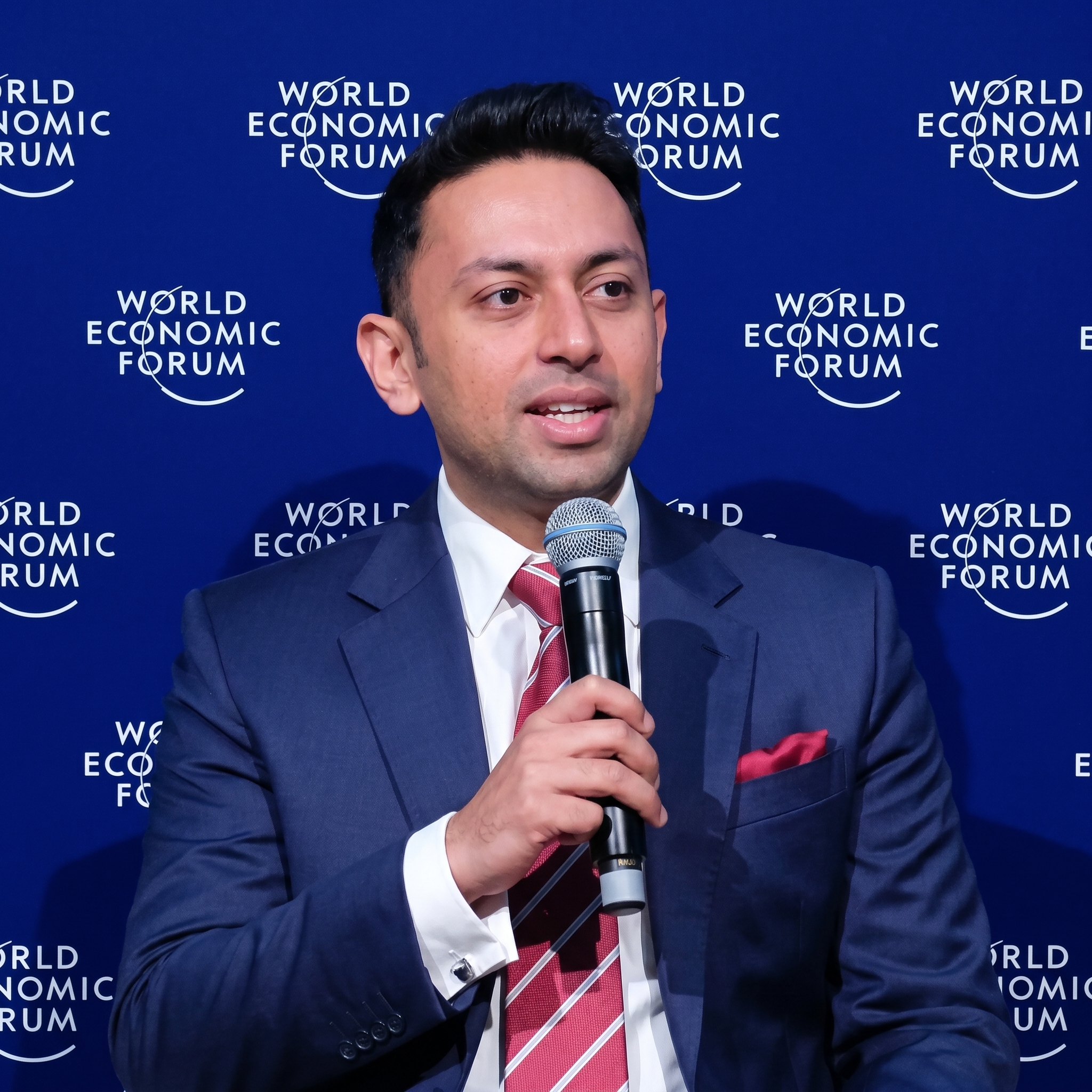
Ankit has led over 1,200 successful accounting data migrations, specialising in QuickBooks Desktop transitions to cloud platforms. He advises businesses across the US, UK, Canada, Australia, and globally on data integrity, platform selection, and compliance-safe migration timelines.