Shifting from one accounting software to another can feel confusing, especially when you want a smooth and reliable change. Many users decide to migrate from FreeAgent to Zoho Books because they want better automation, easier GST handling, and a system that grows with their business. Zoho Books provides a clean and user-friendly platform that simplifies daily accounting tasks. With proper planning, the shift is safe and quick. MMC Convert helps you move from FreeAgent to Zoho Books smoothly so your work stays simple and organised.
Features of Zoho Books
Zoho Books has become a preferred accounting choice for many businesses that want an affordable, easy, and well-supported system. It offers a mix of modern tools that save time, reduce manual work, and keep accounts clean.
Smart Invoicing
Create GST-friendly invoices, track payments, set reminders, and manage overdue clients easily. Everything updates in real time to maintain healthy cash flow.
Strong GST and Compliance Support
Manage GST filing, tax reports, HSN codes, and other compliance needs. Zoho Books reduces errors and helps Indian businesses prepare returns on time.
Seamless Bank Reconciliation
The software connects with your bank accounts and fetches transactions automatically. You save time by matching entries instead of typing each one manually.
Inventory Management
Zoho Books allows you to track products, update stock levels, manage items, and create purchase orders that keep inventory accurate and business operations smooth.
Role-Based Access
Assign permissions to team members based on what they need to do. This keeps your data safe and controlled while maintaining smooth teamwork.
Automation Tools
Recurring invoices, auto reminders, workflows, approvals, and auto categorisation reduce manual tasks so you can focus more on business and less on routine entry work.
Zoho Ecosystem Integration
Zoho Books connects easily with Zoho CRM, Zoho Inventory, Zoho Payroll, and many other Zoho apps, helping you run all business functions from one place.
Mobile App Convenience
Zoho Books mobile app gives you access to invoices, expenses, reports, and vendor details at any time. You stay connected to your accounting even when you are away from your desk.
Why MMC Convert for Migration from FreeAgent to Zoho Books
Migrating accounting data is a sensitive job because even one small mismatch can affect your reports. MMC Convert focuses only on accounting software migrations, which makes it dependable for businesses that want accurate results. The team has worked with many global clients and built strong systems that keep your data secure and error-free.
Complete previous years' data
Your entire history is moved so your Zoho Books account is a mirror image of your FreeAgent system.
Multi-currency support
Foreign transactions are carried with the same currency values and exchange rates for full accuracy.
Payroll continuity
Payroll entries move properly so you can continue without restarting setups or re-entering employee data.
Custom conversion requirements
The team adjusts the migration to match your specific business needs without a one-size-fits-all approach.
Quick turnaround
The process is smooth and fast so your business does not have to wait for weeks before using the new system.
Progress updates throughout
You receive regular updates and simple guidance throughout the process so you always know what is happening.
Every past transaction, balance, invoice, bill, and report shifts correctly when you migrate from FreeAgent to Zoho Books. You can also refer to our full guide on accounting data migration services to see all the platforms and data types we support.
Benefits of Migrating from FreeAgent to Zoho Books
There are clear advantages that businesses gain when they make this move. Zoho Books is designed for growing businesses and gives tools that FreeAgent may not fully cover. Here is what you get after the migration.
Better GST handling
For Indian users, Zoho Books gives stronger GST support, which improves accuracy and reduces tax confusion compared to FreeAgent.
More automation
Workflows and auto updates save more time for busy business owners who currently manage everything manually in FreeAgent.
Cleaner interface
The Zoho Books layout is simple to learn, which reduces your team's training time and helps everyone get productive quickly.
Better integrations
Zoho Books connects with the wider Zoho ecosystem, helping you combine CRM, payroll, and inventory in one place without extra tools.
Scalability
As your company grows, Zoho Books grows with you without heavy additional cost or the need to switch platforms again in the future.
Ready to migrate from FreeAgent to Zoho Books?
Get a fixed-price quote for your FreeAgent to Zoho Books conversion. Know exactly what you are paying before the work begins.
Get a Quote →Conversion Process to Zoho Books
MMC Convert follows a simple and clear approach for migration to Zoho Books that keeps your data safe. You don't need to worry about technical steps because everything is handled by experts.
Load File
Share your FreeAgent accounting file with us securely.
Select Service and Provide Details
Choose Zoho Books as the target and share basic business information.
Make Payment
Complete the payment to begin the process without delay.
Leave File with MMC Convert
The team starts the migration and updates you along the way.
Receive Zoho Books Account
Your converted Zoho Books file is ready to use from day one.
Who Should Shift from FreeAgent to Zoho Books
This migration works well for several types of businesses and individuals. If you fall into any of these groups, making the move to Zoho Books with MMC Convert can be highly beneficial.
- Indian businesses that need GST, e-invoicing, and compliance tools that work correctly.
- Growing companies that want to scale with a feature-rich platform and avoid switching systems later.
- Businesses that want full accounting automation including recurring invoices, reminders, and workflows.
- Teams that want better visibility across departments using Zoho's connected apps and dashboards. If you are also considering FreeAgent to Odoo, our detailed guide on migrating from FreeAgent to Odoo covers how that different migration path works.
Final Thoughts
When you migrate from FreeAgent to Zoho Books, you move to a system that offers better automation, strong compliance, simple workflows, and easy access. Zoho Books supports businesses of all sizes and helps you manage accounts with less effort. MMC Convert ensures your entire data travels safely and accurately so you don't lose any important information. The clean five-step process keeps things simple, and our team stays with you throughout. Once the migration is done, your new Zoho Books setup is ready and you can start working immediately.
Contact us to get started with your FreeAgent to Zoho Books migration today.
Migrate from FreeAgent to Zoho Books with MMC Convert
MMC Convert specialises in accounting software conversion from FreeAgent to Zoho Books. The team transfers your complete financial history and delivers a fully functional Zoho Books account ready for immediate use.
- ✓ Full historical data transferred
- ✓ Multi-currency and GST compliance maintained
- ✓ Payroll setup included on request
- ✓ Secure, confidential process throughout
FAQs
1. How do I start the process to migrate from FreeAgent to Zoho Books?
You only need to share your FreeAgent data file and basic business details. The team at MMC Convert will guide you step by step and start the migration for you without any confusion or technical knowledge required.
2. Will my bank feeds and reconciliations move to Zoho Books?
Your bank transactions and statements move correctly. You may need to reconnect your bank feed inside Zoho Books because banks do not allow direct transfer of live connections, but the data itself shifts smoothly.
3. Can I move multi-currency transactions from FreeAgent to Zoho Books?
Yes. MMC Convert shifts multi-currency entries with the same currency values and exchange rates. This helps you keep global accounts accurate and ensures your reports remain consistent after migration.
4. Will my contacts and invoice history be available in Zoho Books?
Your customers, suppliers, invoices, bills, and related details are transferred correctly. The aim is to give you a clean mirror of your FreeAgent data inside Zoho Books so you don't lose any important records.
5. Is the migration process safe and confidential?
Yes. Your data stays protected with secure systems and strict privacy rules. Nothing is shared outside the conversion process. You can trust that your financial information remains completely confidential throughout.
6. Do I need to stop using FreeAgent during migration?
No. You can continue working normally. The migration happens separately, so your business does not face downtime. Once the new Zoho Books file is ready, you can shift smoothly to the new system.
7. Why should I choose MMC Convert for migration to Zoho Books?
MMC Convert specialises in accounting software conversions and ensures complete accuracy. They move your full history, multi-currency data, payroll, and reports. You get a ready-to-use Zoho Books account without stress or errors.
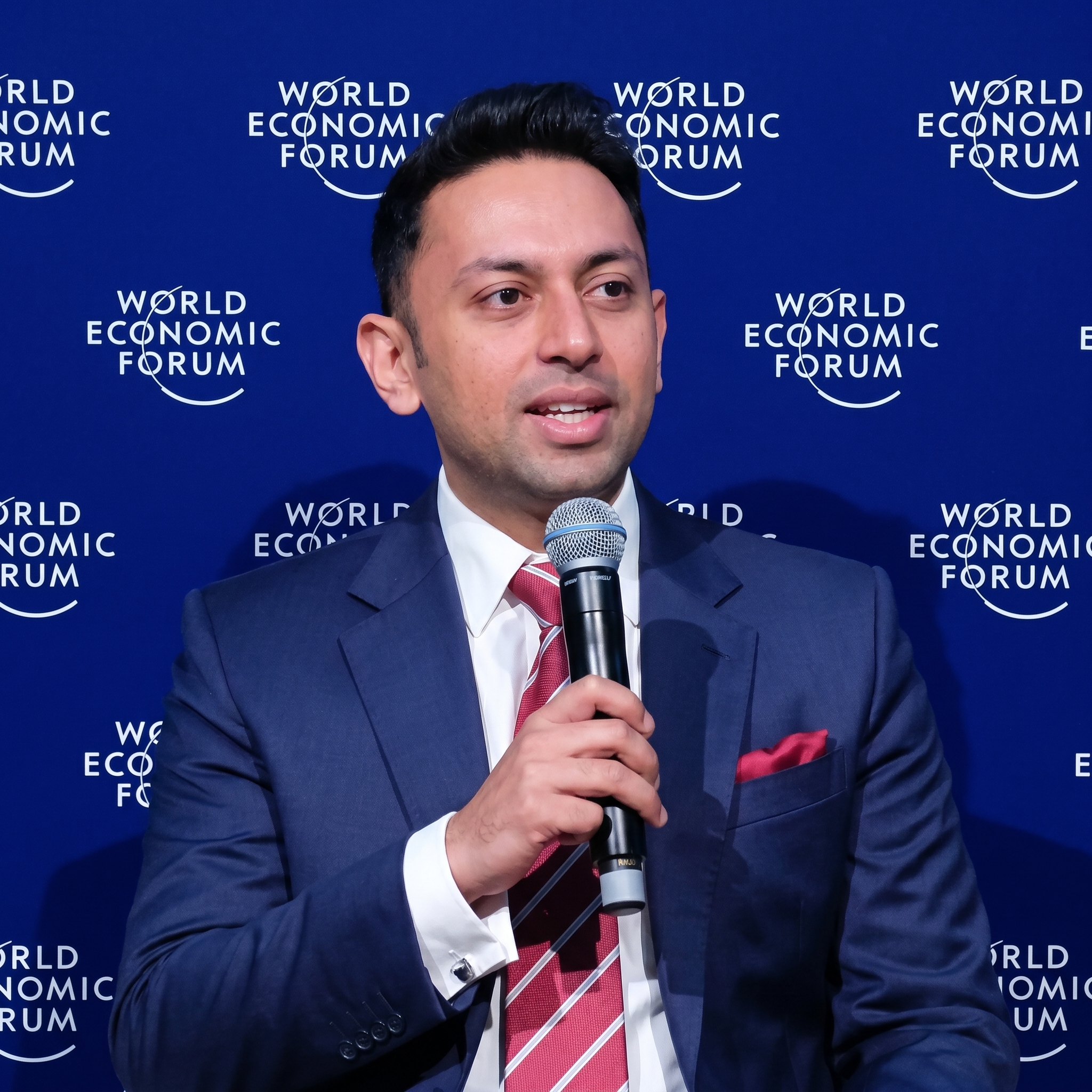
Ankit has led over 1,200 successful accounting data migrations, specialising in QuickBooks Desktop transitions to cloud platforms. He advises businesses across the US, UK, Canada, Australia, and globally on data integrity, platform selection, and compliance-safe migration timelines.